
Rovty Life · Your personal space
All the little things.
One space for you.
Notes, money, habits, tasks and wellness, together in a calm personal workspace. Choose what you want to track and make it your own.
One Rovty account. Your own private Life workspace.
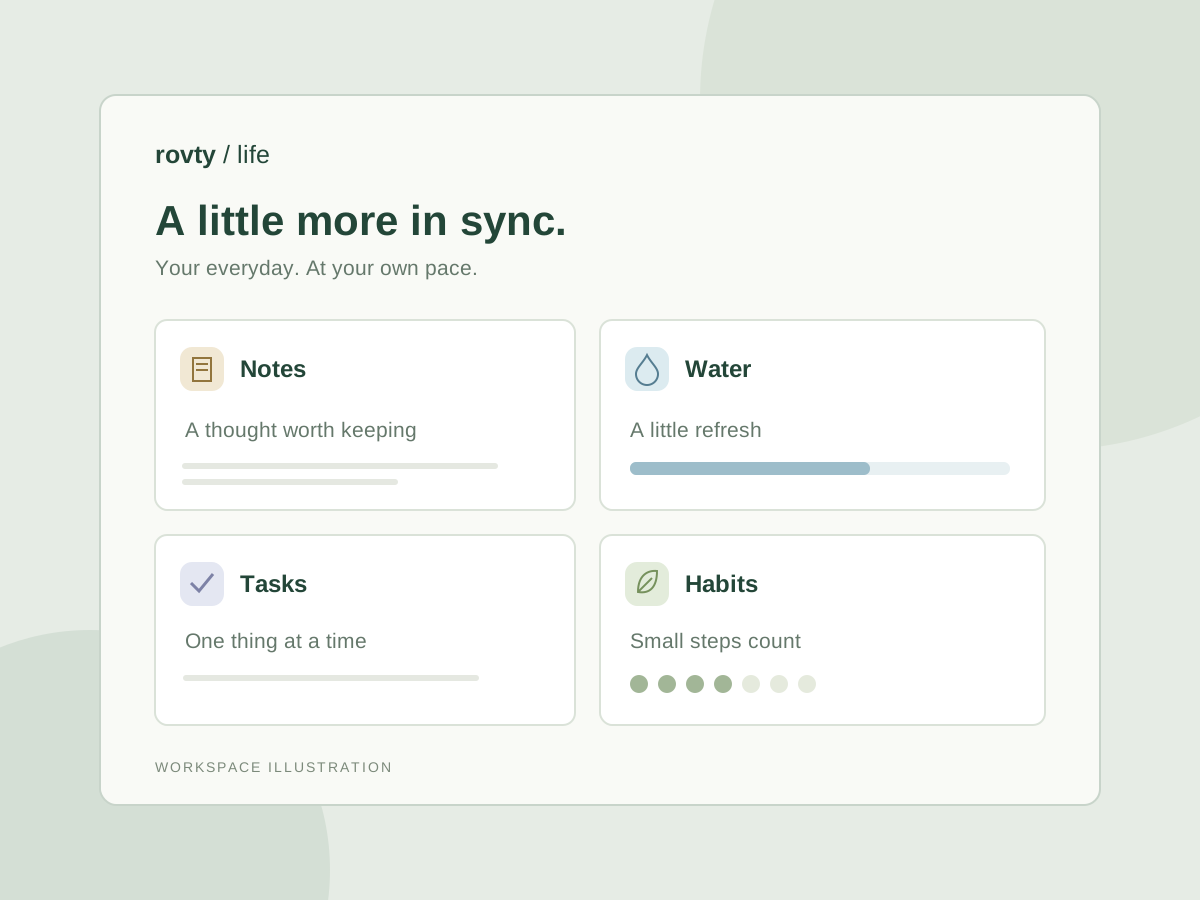
A little more in sync
Track what matters to you.
Start small with a few useful trackers. Add more from the library whenever you need them.
Make space for your everyday
Keep notes, tasks, habits and daily check-ins together. Add only the trackers you need.
Know where your money goes
Manage multiple bank and cash accounts, record income and expenses, and keep separate credit cards with billing dates and installment plans.
Remember payments and birthdays
Set loan repayment reminders and yearly birthdays. Install Life on your home screen and enable private device notifications when account delivery is available.
Routines at your own pace
Log water, workouts and optional period dates, symptoms and mood. Repeat a workout and check in with a single tap.
Build a tracker of your own
Choose fields, units, targets and layouts for the things that matter to you. No coding needed.
See the bigger picture
Search your history, browse calendar views and follow summaries based on your own records.
Your records stay yours
Export your information or delete entries, trackers or your entire Life workspace from Settings.
Money, dates and a little peace of mind
Keep the next payment in view.
A place for every card and account, with reminders for the dates that matter.
Cards with their own settings
Add multiple credit cards with a nickname, last four digits, credit limit, statement day and payment day. Log actual statements and schedule installments.
Accounts, cash and repayments
Link income and expenses to bank accounts or cash wallets. Transfer between accounts and track loan repayments without counting them twice.
Birthdays on your home screen
Create yearly birthday reminders, choose a time and how many days ahead to be reminded. Install Life as a PWA and enable notifications in Settings. On iPhone or iPad, add Life from Safari first.
Financial records are entered manually. Background delivery needs account sync, notification permission and a configured service. Device-only workspaces stay in that browser.
Optional period & cycle tracker
Your cycle. Your choice.
A private menstrual period journal for your own dates and experiences. Add it from the tracker library whenever you want it.
Start with a date
Log when your period starts. Add an end date later to see its recorded length.
Notice how you feel
Optionally add symptoms such as cramps, fatigue or bloating, along with mood and personal notes.
Keep control of your history
Review, edit, export or delete your records. This tracker stays off until you add it, and does not make period or fertility predictions.
Connected through Rovty
An account you already know.
Continue with the same Rovty account you use for other products. Life keeps your personal records in its own private workspace.
Your optional period and wellness trackers stay off until you choose them. Records are not used for advertising. You control what you save and what you delete.
The device workspace saves only in your browser. Signing in does not upload or merge those records. Account records are stored in Life’s database with access controls, and are not end-to-end encrypted.
Delete your Life workspace in Settings while keeping your Rovty account and other products. Manage your Rovty account through the account dashboard.
Room to begin
A little less to hold in your head.
Your first workspace starts clean. Add a note, log an expense or build a habit, then carry on with your day.
Background notifications require a connected Rovty account, a supported browser, permission and an active notification service. Wellness records are a personal journal, not medical advice.