
Rovty PDF · Free for everyone
Your PDFs.
A little less work.
Edit, sign, merge and organize documents with 23 useful PDF tools. Editing happens on your device. Choose Rovty Cloud for optional saving, sharing and reviews.
Free for all users now. No account needed for local tools. No added watermark.
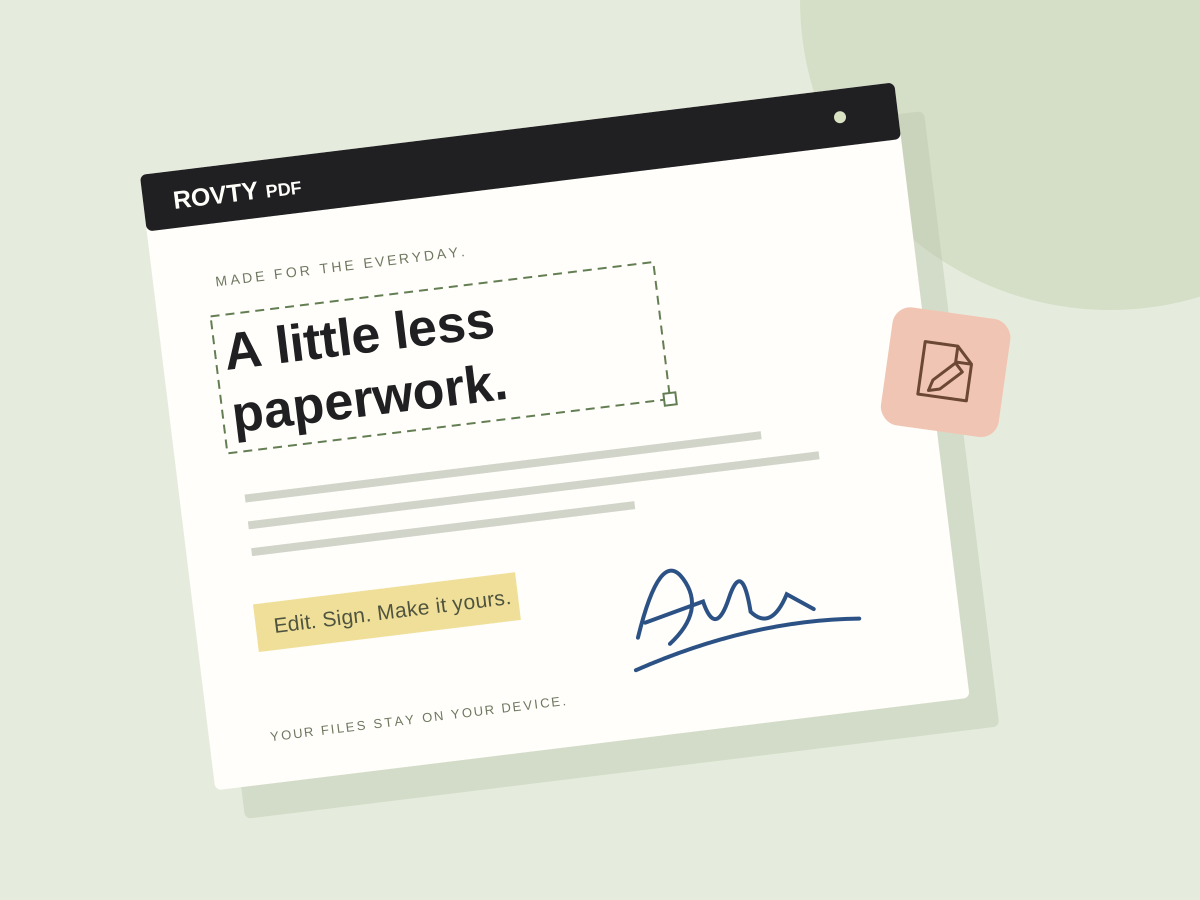
Everyday PDF tools
From a quick edit to a finished document.
Edit and annotate
Change selectable text, add notes and images, highlight details, and draw on a PDF.
Sign and fill forms
Draw or upload a signature, remove a plain paper background, and fill existing form fields.
Merge, split and organize
Combine documents, extract pages, reorder them, or rotate a page into place.
Convert and compress
Turn images into PDFs, export pages as images, extract text, or compress image-heavy files.
Protect private details
Add a password or burn redactions into a new document. Processing happens on your device.
Your browser, your choice
Optionally save signatures in this browser and enable offline tools. Clear saved items whenever you want.
Private by design
Your documents stay yours.
Local editing needs no account or uploads. You decide whether to save a cloud copy, share it or send a signed document.
Cloud actions upload the selected document to Rovty Cloud. Saved copies are private until you create a link. Set an expiry, add a password, revoke a link, or delete your cloud data whenever you need.
The optional offline cache contains only app files and PDF engines. Documents and passwords never enter that cache. Saved browser signatures do not sync automatically. Cloud files use encrypted transport and storage; cloud features are not end-to-end encrypted.
See privacy and device controls ↗Rovty Cloud · Optional workspace
A shared next step for your documents.
Use your Rovty account when you want to keep work together. Local editing stays available without signing in.
Files and reusable templates
Save PDF copies and blank templates, then reopen them from another device. Free cloud limits apply.
Links and document reviews
Share expiring links with optional passwords, collect comments and resolve feedback.
Signature requests and integrations
Collect signed copies with completion records, or connect your own tools through the document API. Visual signatures do not verify identity.
Good to know
A few useful details.
Is Rovty PDF free?
Yes. Local tools need no account or paid plan. Optional cloud features use a Rovty account, with 100 MB of storage, up to 50 PDFs and a 20 MB limit per cloud file. Browser tools support larger files within device memory limits.
Can I save and reuse my signature?
Yes. Draw a signature or upload a PNG, JPG or WebP image. Remove a plain background, then optionally save the finished signature on this device.
Does it work offline?
After you enable offline tools in Privacy & help, the app caches its own assets and PDF engines. Your documents are still processed locally.
Does it include OCR or Word conversion?
This browser toolkit does not currently include OCR, Office conversion or certificate-based signing. Compression rasterizes pages; redaction creates new page images to remove original content.